
Kivarion
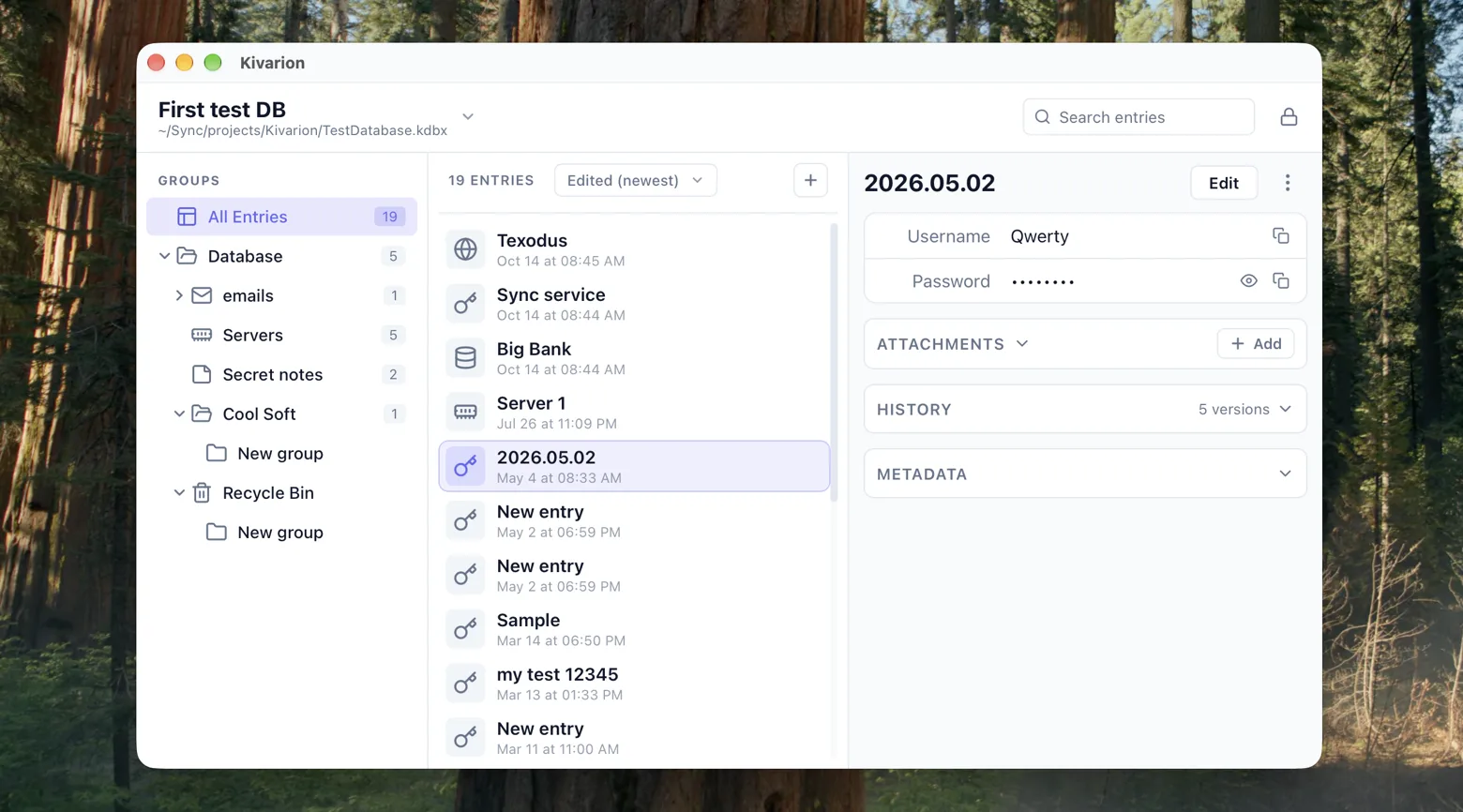
Kivarion is a modern, fast, and secure desktop password manager for the .kdbx format. It is a native cross-platform app that works with existing .kdbx databases and supports KDBX 4 with Argon2-secured key derivation.
Databases can be unlocked with a master password, a key file, or both — and with Touch ID on macOS. The three-column interface with a group tree, entry list, and details panel makes it easy to manage even large databases: global search across all fields, a configurable password generator, attachments with preview and export, website favicons, and light, dark, and system themes.
Kivarion is open-source and local-first — no telemetry, no cloud. Your passwords never leave your machine.
- Tauri 2 (Rust)
- Vue 3 (Pinia, Vue Router)
- kdbxweb
- argon2-browser (WASM)
Behind the scenes
The hardest part of Kivarion was not a feature but a constraint: the webview has zero filesystem access. Every file operation goes through dedicated Rust commands, and sensitive fields stay wrapped in kdbxweb's ProtectedValue until the moment they are shown — so decrypted data never sits around in plain form longer than necessary. Even search respects this: protected fields, including passwords, are excluded from it.
Key derivation was another challenge. KDBX 4 uses Argon2, which is deliberately slow and memory-hard, and there is no native implementation available inside a webview. Kivarion bundles argon2-browser compiled to WebAssembly — shipped with the app rather than loaded from a CDN, so unlocking a database works fully offline.
Touch ID support works differently than most people expect: biometrics cannot decrypt a KDBX database. Instead, after successful authentication the master password is stored in and retrieved from the macOS Keychain. Getting that flow right — opt-in only, never enabled automatically, cleanly reported as unsupported on Windows and Linux — took more care than the cryptography itself.
Finally, auto-save. Corrupting a password database is the one failure a password manager cannot afford, so every save is atomic: write to a temporary file, fsync, then rename over the original. Before overwriting, the app checks whether the file was modified externally, and rotating encrypted .bak backups provide a safety net on top.
Who builds this
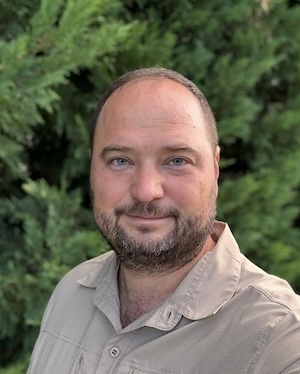
I'm Nick Blokhin, a software architect. Kivarion is built and maintained with coding agents, with me as architect and reviewer — and with the boundaries above written down as rules the agents have to follow: the KDF stays in the Rust backend, the webview never touches the filesystem.
That is the subject of how I split work with agentic coding tools, which quotes this project's own rules. More of it on Zero to MVP.